- Log in to your user account dashboard
- Go to 'Domains' then 'My Domains'
- Click the domain name you wish to modify
- Click on the 'Auto-Renew' in the left hand 'Manage' menu to see if enabled or disabled, and toggle if required.
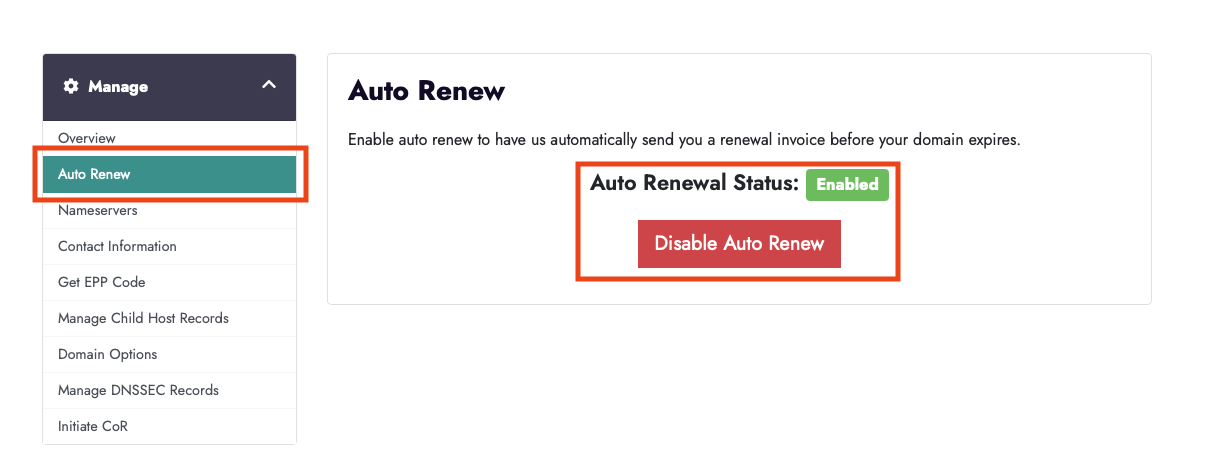
NB: Auto Renew will only renew if set to Credit Card or another automated payment method, eg, PayPal and the method is able to accept the required charge.