To add or update payment details, please follow these steps:
- Login to your account with us
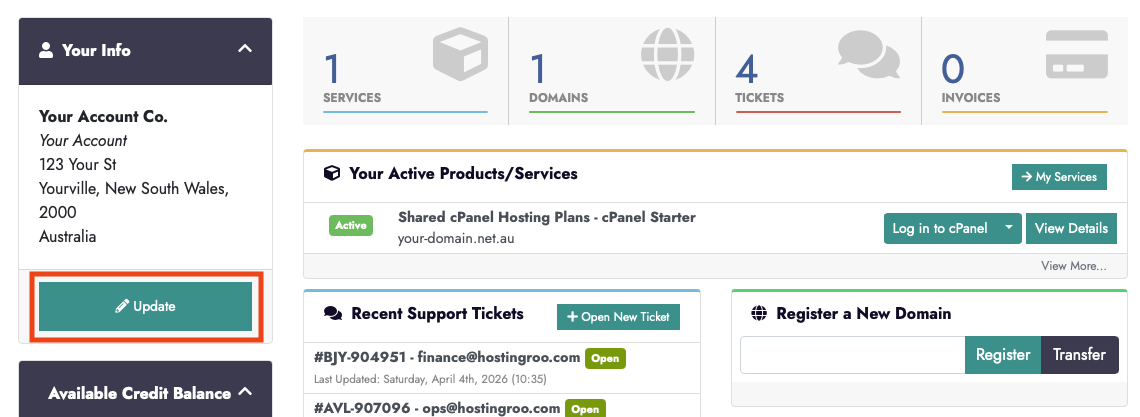
- Click on the green 'Update' from the left hand menu
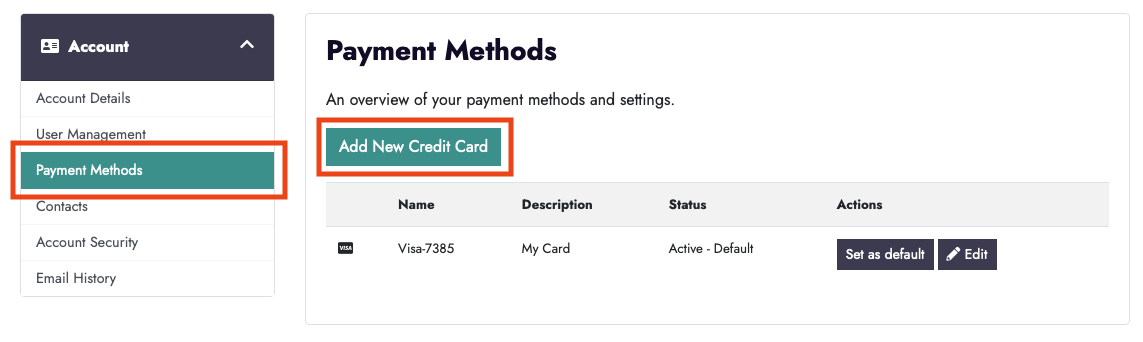
- Select 'Payment Methods' from the left hand menu
- Select 'Add New Credit Card'
- Complete and save changes.
- If you have more than 1 card, you can now select one as the 'Default' card.
To change your payment method per domain or service:
To change individual payment methods per service or domain, please raise a support ticket and include the service or domain and the method you would like this set to.